30. 09. 2026
Atlassian, Service Management

22. 11. 2024
Fabiana Pittalis
Asset Management, Atlassian
Jira Assets: The Key to Successful Projects
What are Assets in Jira?
Jira is not only a tool for managing projects, tasks, tickets and bugs but also a powerful way to manage and track assets, making it an even more indispensable tool for teams.

But what exactly is an asset?
An asset can be defined simply as the physical or digital representation of a resource.
Here are some examples of assets that can be tracked:
- Hardware: computers (desktops, laptops, tablets), servers, network devices (routers, switches, firewalls), peripherals (printers, scanners, projectors), phones and mobile devices.
- Software: software licences, applications, operating systems, databases.
- Contracts: IT services (email, backup, antivirus), support contracts, subscriptions.
- Facilities: buildings, offices, warehouses, machinery, vehicles, furniture and fittings.
- Access: badges, keys, permits.
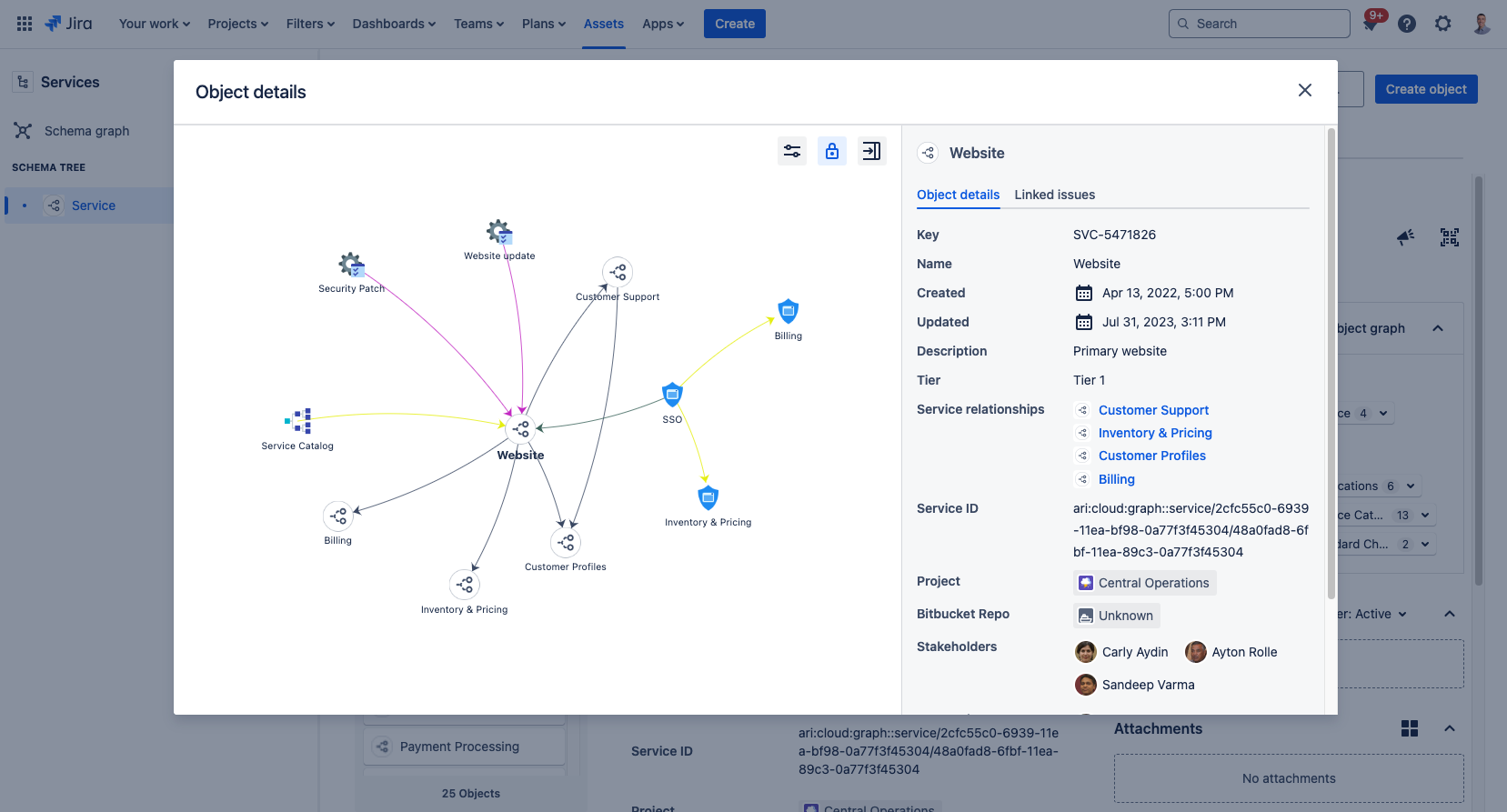
Why are Assets important in Jira?
“Why are assets so important?” is a question we often ask ourselves when we hear about assets. Let us look together at the main characteristics of assets.
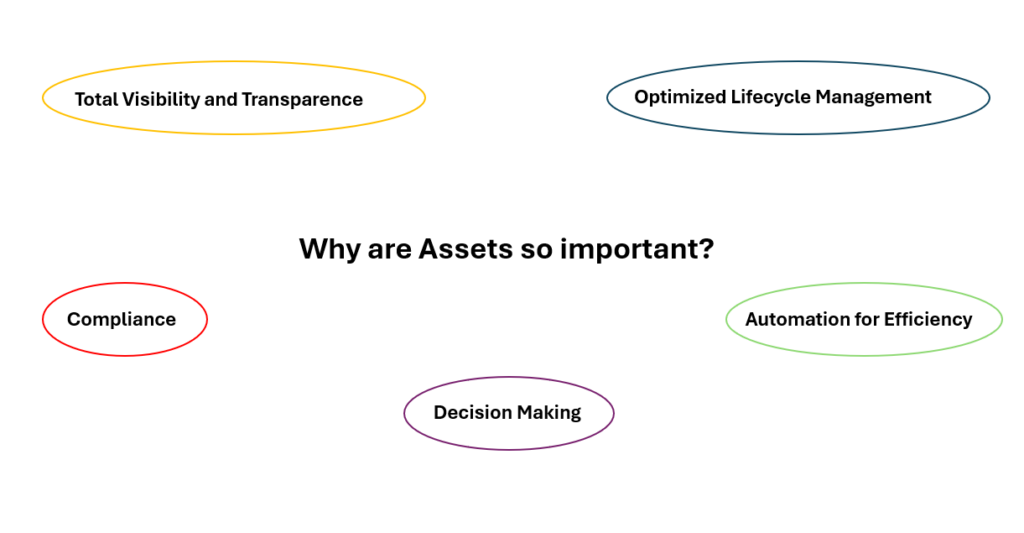
1. Total Visibility and Transparence
They provide a complete and updated view of the organisation. In particular:
- Allows you to know what you own, where it is and the state it is in.
- Avoids duplicate purchases.
- Facilitates the identification of what we need, saving time.
2. Optimized Lifecycle Management
Every asset goes through a lifecycle, from procurement and deployment to retirement. Managing this lifecycle is crucial to ensure that resources are not only available but also functioning at peak efficiency. With Jira, teams can:
- Track the entire life cycle of each asset, from its purchase to its disposal.
- Effectively plan maintenance and replacements.
- Reduce costs through more efficient management of resources
3. Automation for Efficiency
Jira allows the automation of resource management. For example:
- Assets can be automatically assigned to issues or team members.
- Alerts can be set up to alert users when an asset nears the end of its life cycle, needs maintenance or requires an upgrade.
- It is possible to automatically generate reports on the status, utilisation and performance of assets.
4. Compliance
Asset management is crucial to comply with IT security and asset management regulations and to keep track of sensitive data associated with them.
5. Decision Making
Asset data can be used to make strategic decisions, such as the purchase of new assets or the replacement of obsolete ones.
Example of use: Management of onboarding and offboarding
With the asset management tools it is possible to create an onboarding profile that includes all the resources to be assigned to the new employee. This profile can be configured to include all details such as the type of device needed, software licences, and even access to certain office areas or digital resources.
We can then automatically assign assets when a new employee is registered, monitor the availability of resources and track their status.
Similarly, offboarding can be managed effectively and automatically: checklists can be generated listing all assets that need to be returned, access and licences can be revoked, and a ticket can be automatically opened to verify the integrity of the returned assets or to return them.
In Conclusion
Assets in Jira are a powerful tool for any organisation that wants to have complete control over its assets. In fact, by integrating asset management into Jira, organisations can gain a deeper level of control, visibility and efficiency in the management of these essential assets.
Thanks to their ability to connect information in an intuitive way, assets can transform Jira into a true command centre for managing corporate assets, ensuring success and maximising productivity.
For a more detailed guide, visit Asset and configuration management

Fabiana Pittalis
Author

Latest posts by Fabiana Pittalis
15. 12. 2025
Atlassian
Jira Forms vs JSM Forms: The Magic of Forms
29. 09. 2025
Atlassian
Who Does What? A Useful Guide to User Roles
26. 06. 2025
Atlassian
Confused by Atlassian Teams, Groups, and Managed Teams? Here’s the Difference