


30. 03. 2026
APM, Log Management, Log-SIEM, NetEye

22. 06. 2015
Arianna Cunaccia
Events, NetEye, Service Management
Save the date – 1st October – Italian NetEye & EriZone User Group
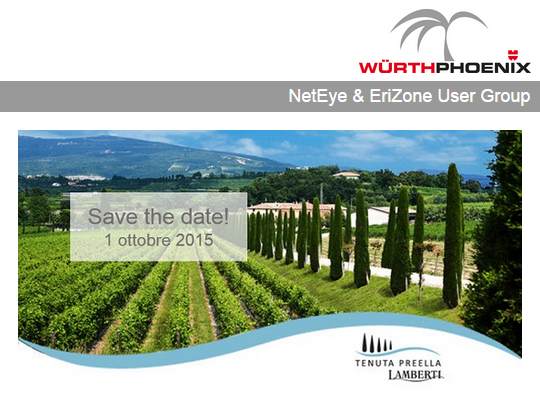
If you are an Italian NetEye or EriZone customer, don’t miss the opportunity to participate in the NetEye & EriZone User Group, which will take place on Thursday 1 October from 10.30 to 17:30 at the Tenuta Preella Lamberti in Cavaion Veronese (VR).
The day will begin with the IT service and systems management solutions use cases presented by some customers. The lunch will follow accompanied by the local wine tasting.
In the afternoon, we will introduce the new features released with the latest versions of NetEye and EriZone. We will conclude with a workshop during which all participants will identify the future areas of improvement for the development of the solutions.




If you are an Italian NetEye or EriZone customer, you can already subscribe to the User Group by sending an email to the following address usergroup@wuerth-phoenix.com

Arianna Cunaccia
Author

Latest posts by Arianna Cunaccia
27. 10. 2020
Events
NetEye User Group 2020
27. 10. 2020
Webinar
Cyber Security with ntopng and nScrub